
AI sticker generator for sheets with the cut line traced

This AI sticker generator builds a whole A5 sheet of stickers from one description, then does the part that usually takes an evening in a vector editor: the cut lines. Describe the theme, pick a style chip such as kawaii or retro badge, and make a draft. When the sheet looks right, render it in 4K and run the background cut-out. The free print step then traces a CutContour path around each sticker and gives you an SVG your cutter or sticker printer can read.

Last updated:

What are you printing?
Style
Quality
Drafts per press

Sign-up credits cover one 2K draft after you verify your email. No card needed.

Your A5 sheet design appears here.

Made with these settings

Each design below came from this page's studio with the product and style shown under it, before any upscale.

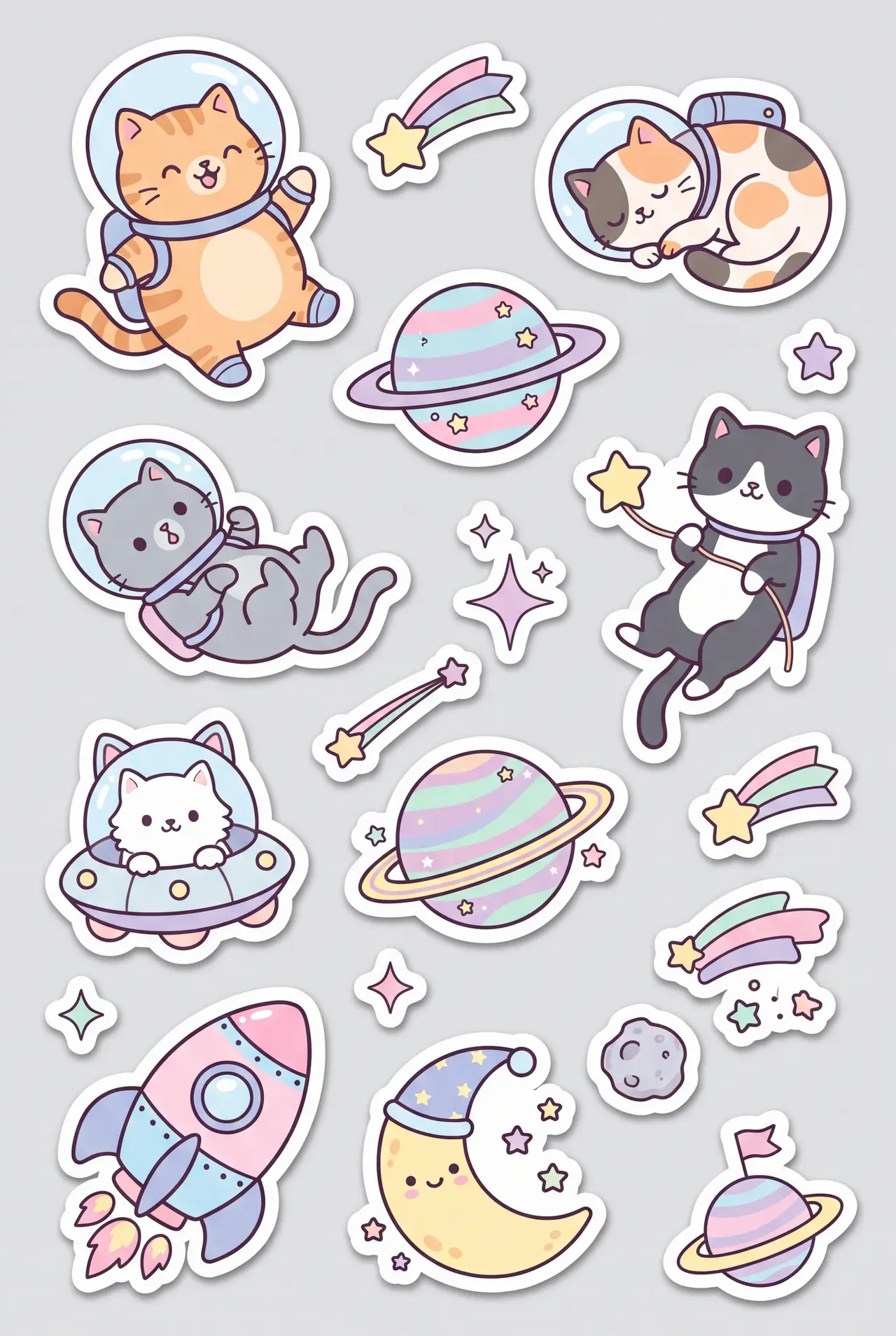
  • Sticker sheet of cats in astronaut suits floating among planets and rockets
    Sticker sheet · Kawaii
  • Sticker sheet of cute camping gear with faces: tent, lantern, marshmallow, canoe, pinecone and cocoa mug
    Sticker sheet · Kawaii
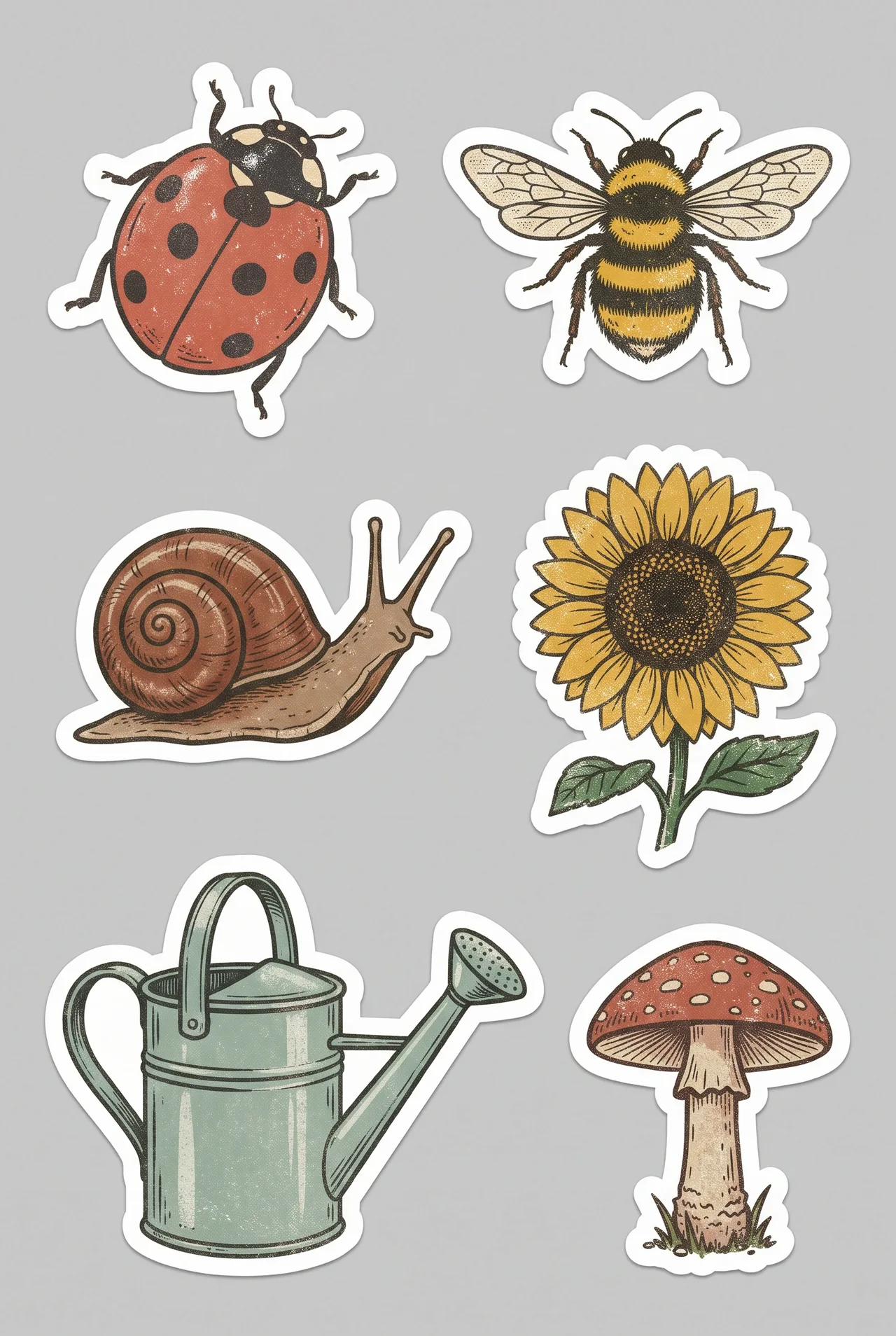
  • Sticker sheet of garden insects and plants: ladybird, bee, snail, sunflower, watering can and mushroom
    Sticker sheet · Vintage
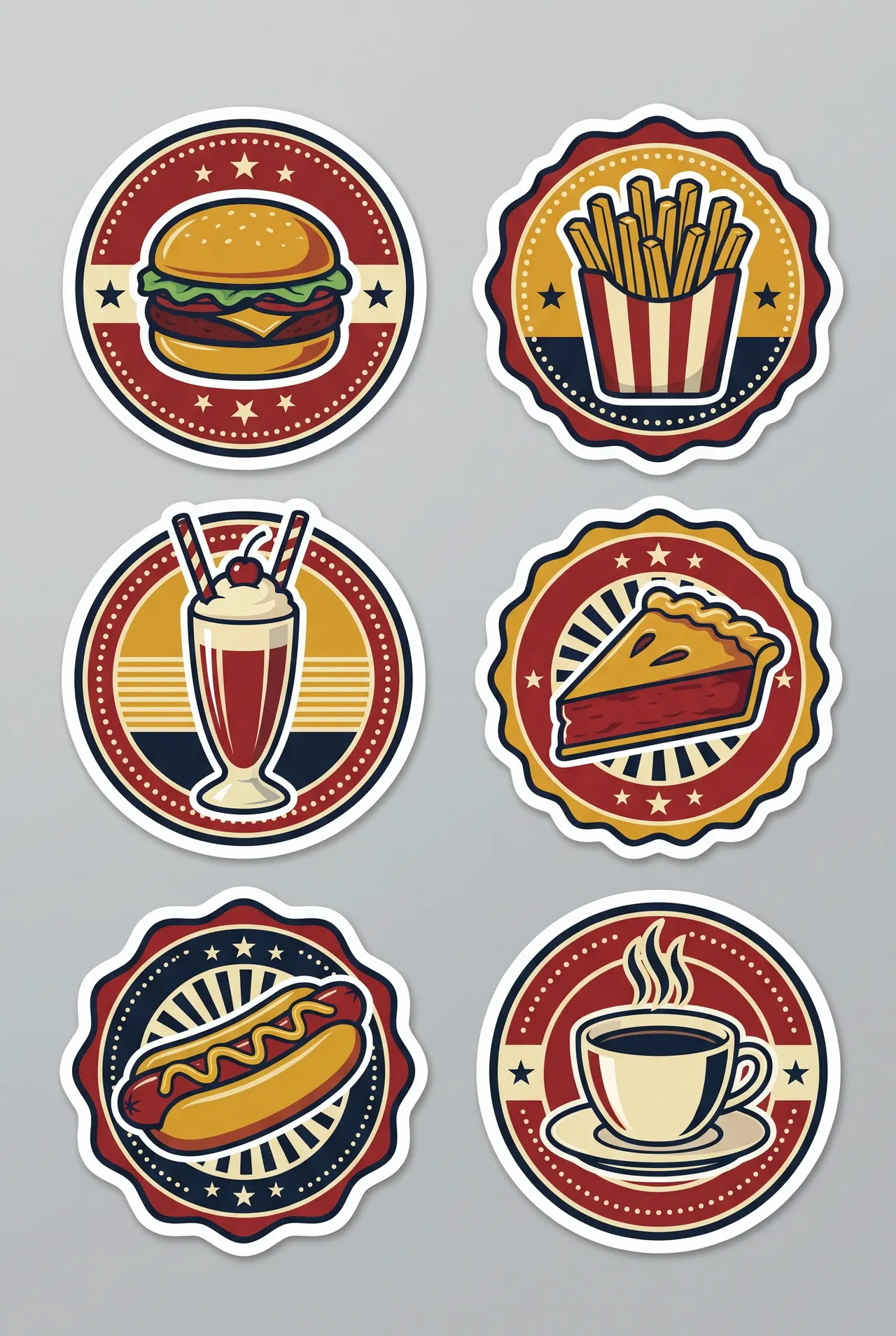
  • Sticker sheet of retro diner food badges: burger, fries, milkshake, pie, hot dog and coffee
    Sticker sheet · Retro badge

Good for

  • Sticker sheets to sell in a shop or at a market
  • Planner, journal and laptop stickers on one theme
  • Thank-you stickers for orders and packaging
  • Kiss-cut sheets for a home cutting machine

How to make it

  1. 01

    Describe the sheet

    Choose the A5 sticker sheet size, describe the theme and how many stickers you want, and pick a style chip.

  2. 02

    Render and cut out

    Make a draft, render the one you like in 4K, then run the background cut-out so every sticker sits on a transparent background.

  3. 03

    Download PNG and SVG

    The print step writes the DPI into the PNG and traces a die-cut SVG with a CutContour path around each sticker, at no cost.

How the cut line is made

Once the background is removed, the edge of every sticker is exact: it is where the pixels stop being transparent. The print step traces that edge in your browser and writes a vector path named CutContour, the name most print-and-cut workflows look for. Each sticker gets one closed outline. Open the SVG next to the PNG before ordering and remove any loose specks too small to cut.

Borders instead of bleed

Sticker sheets export without bleed. Instead, ask for a thick white border around each sticker, and the cut runs through the border. If the cutter drifts slightly, the line is still inside white, so nobody notices. Leave gaps of a few millimetres between stickers so outlines never touch, and prefer rounded shapes to thin spikes, which tear when peeled.

Plenty of resolution

A 4K render on an A5 sheet reaches roughly 468 DPI, well above the 300 most sticker printers ask for, so sheets do not need the 8K upscale. Small text is the bigger risk: keep words few and bold and read them before you print.

What it costs

A 2K draft is 35 credits. The other steps are in the table below, and the Make button shows the credits before you press it. The Press Run plan costs $22.49 a month, or $224.90 if you pay yearly; the pack starts at $31.49 and its credits never expire. See plans and the pack

Credits for each run option
OptionModelCredits
2K draftNano Banana 2.1 · 2K35
4K print renderNano Banana 2.1 · 4K52
4K type posterNano Banana Pro · 4K137
Background cut-outBackground cut-out7
8K print upscale8K print upscale · 8K68
Prompt helperRewrites your idea as a clear print prompt3

Questions

What file does my cutting machine need?

Most need the artwork as a PNG and the cut path as a vector file. You get both: a transparent PNG and an SVG with a CutContour path around every sticker.

Do sticker sheets need bleed?

Not when each sticker has a white border, which is the usual way to make sheets. The cut runs through the border, so a slightly off cut still looks clean.

Does tracing the cut line cost credits?

No. The print step runs in your browser and is free. You pay only for the draft, the 4K render and the background cut-out.

Can I sell the stickers?

Sheets made with paid credits may be sold. Sheets made with sign-up credits are for personal use. Characters and logos belong to their owners, so keep the designs original.